Everything a paid community needs, on your own server
Every feature is included in the free software. No plans, no add-ons.
A feed members want to open
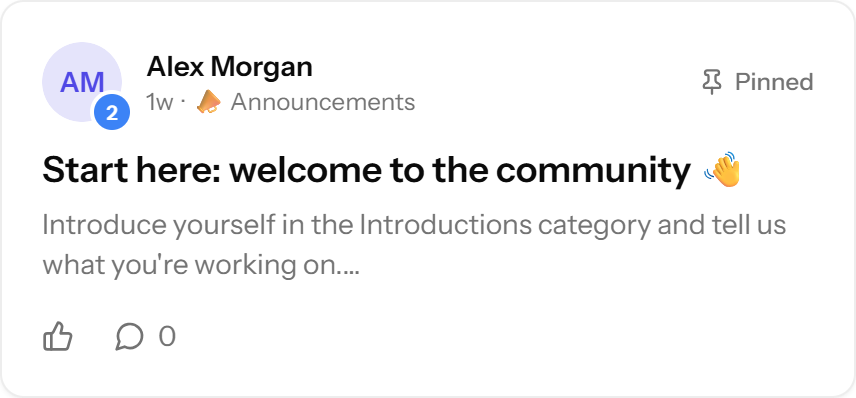
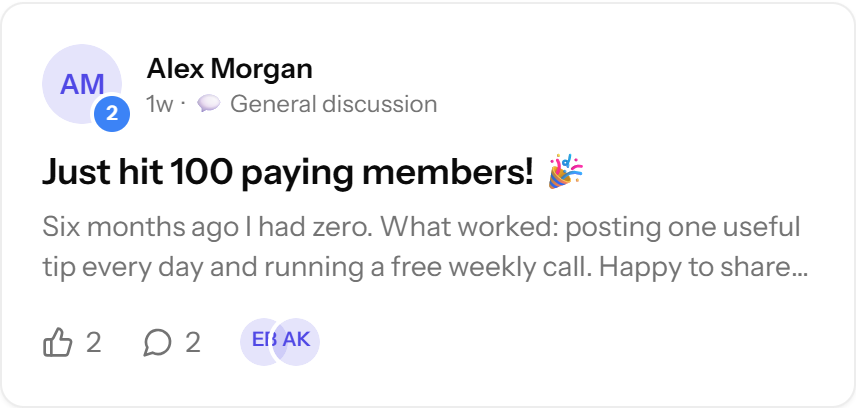
- Posts with photos, links, GIFs and @mentions
- Emoji categories, including admin-only ones for announcements
- Pinned posts, likes and comments
- Email a post to every member with one tick
Courses inside the community
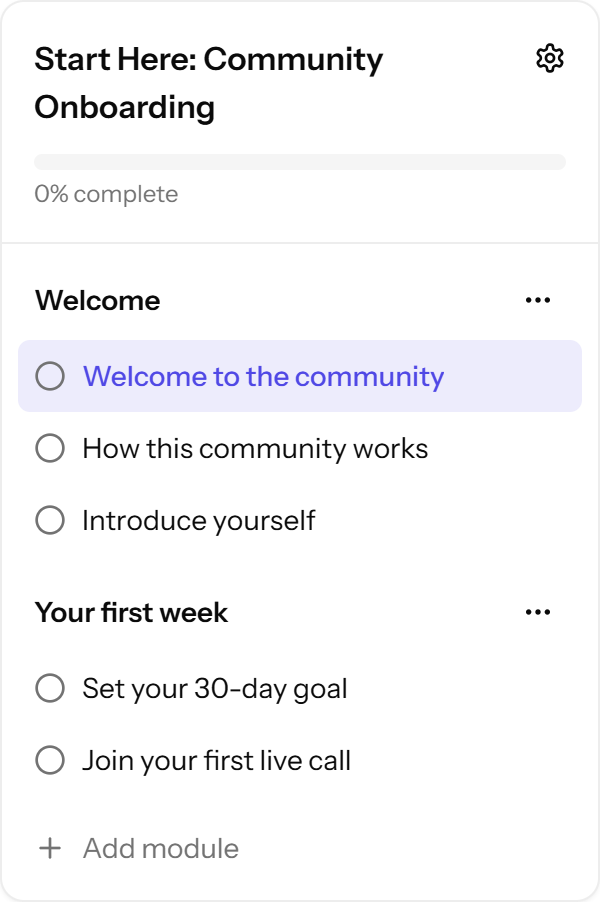
- Courses, modules and lessons with progress tracking
- YouTube, Vimeo or Loom links, or uploaded MP4/WebM video
- Lesson files (PDF, slides, sheets, ZIP and more), stored privately
- Unlock courses at a level, or keep them for paying members
Events in every member's time zone
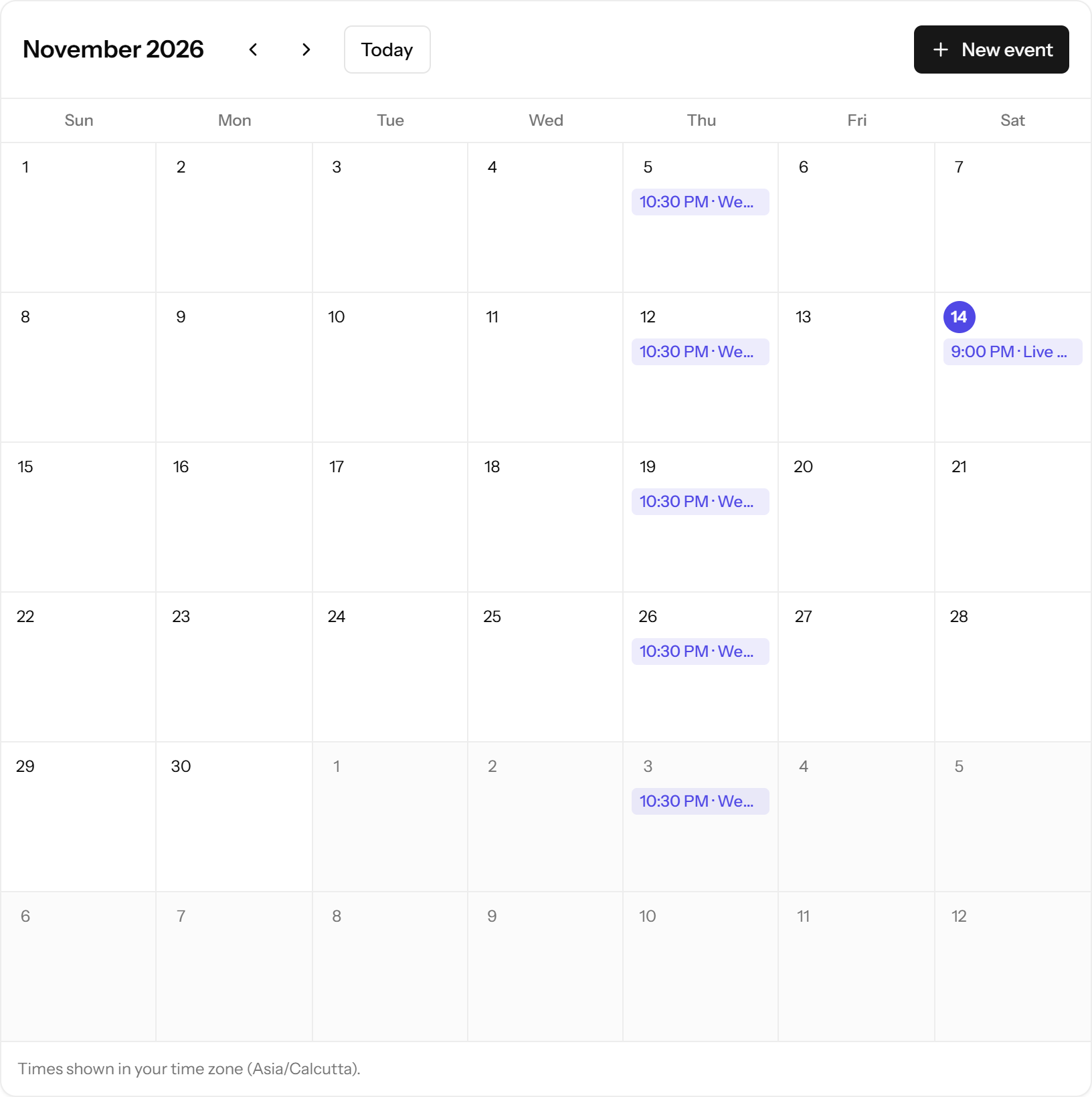
One-off and weekly events with links for your calls. Members see times in their own time zone and get an email reminder before each event.
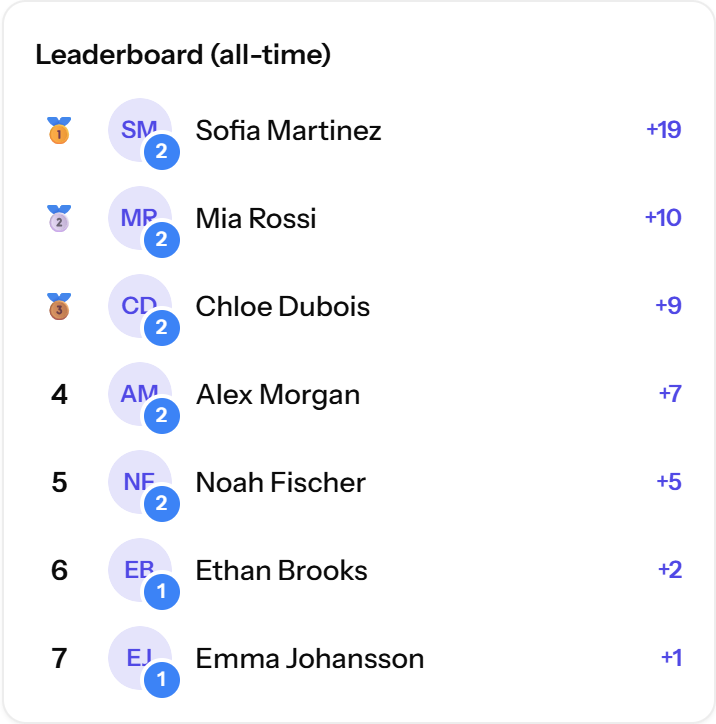
Points, levels and leaderboards
Likes earn points, points raise levels, and levels can unlock courses. Name each level yourself. Leaderboards show the last 7 days, 30 days and all time.
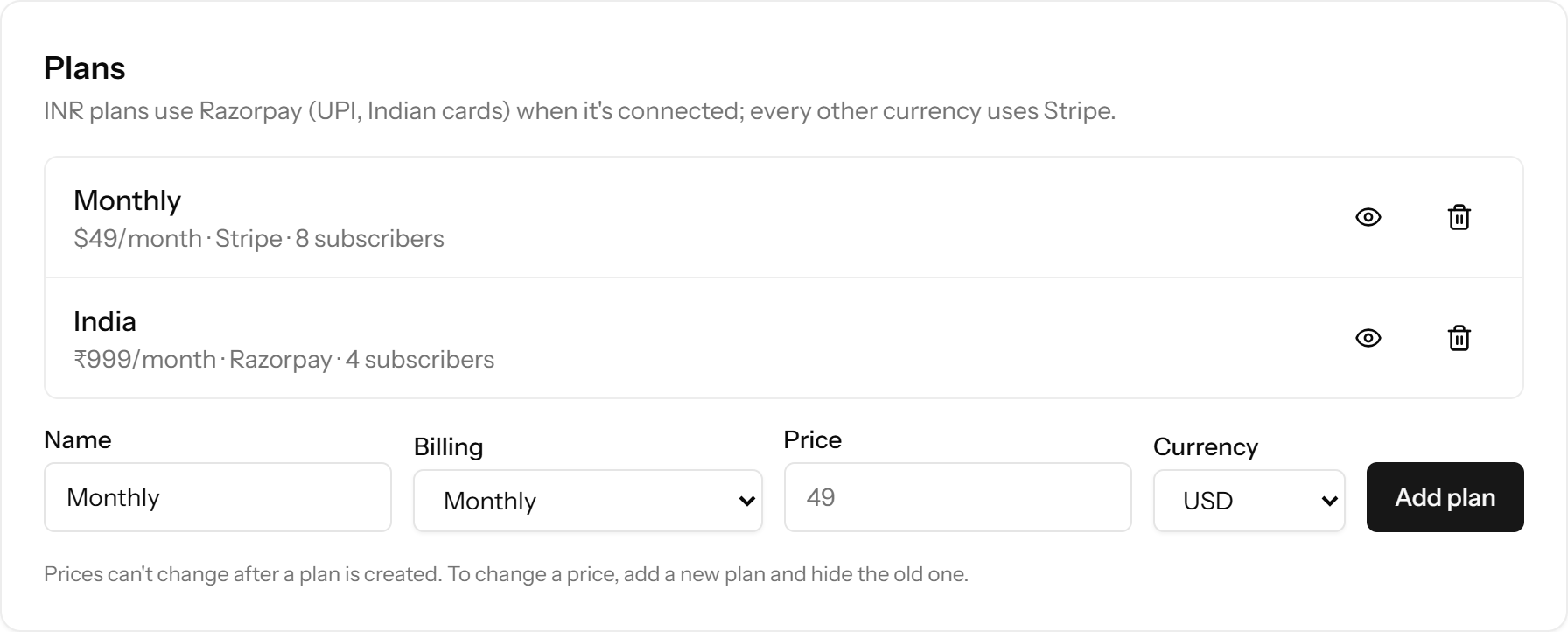
Stripe and Razorpay, with no platform fee
- Monthly, yearly or one-time plans
- USD, EUR, GBP, INR, AUD, CAD, SGD and AED through Stripe's hosted Checkout
- INR through Razorpay: UPI, cards, netbanking and wallets
- Access granted and ended automatically, with a 3-day grace period
- Revenue dashboard: MRR, last 30 days, paying members

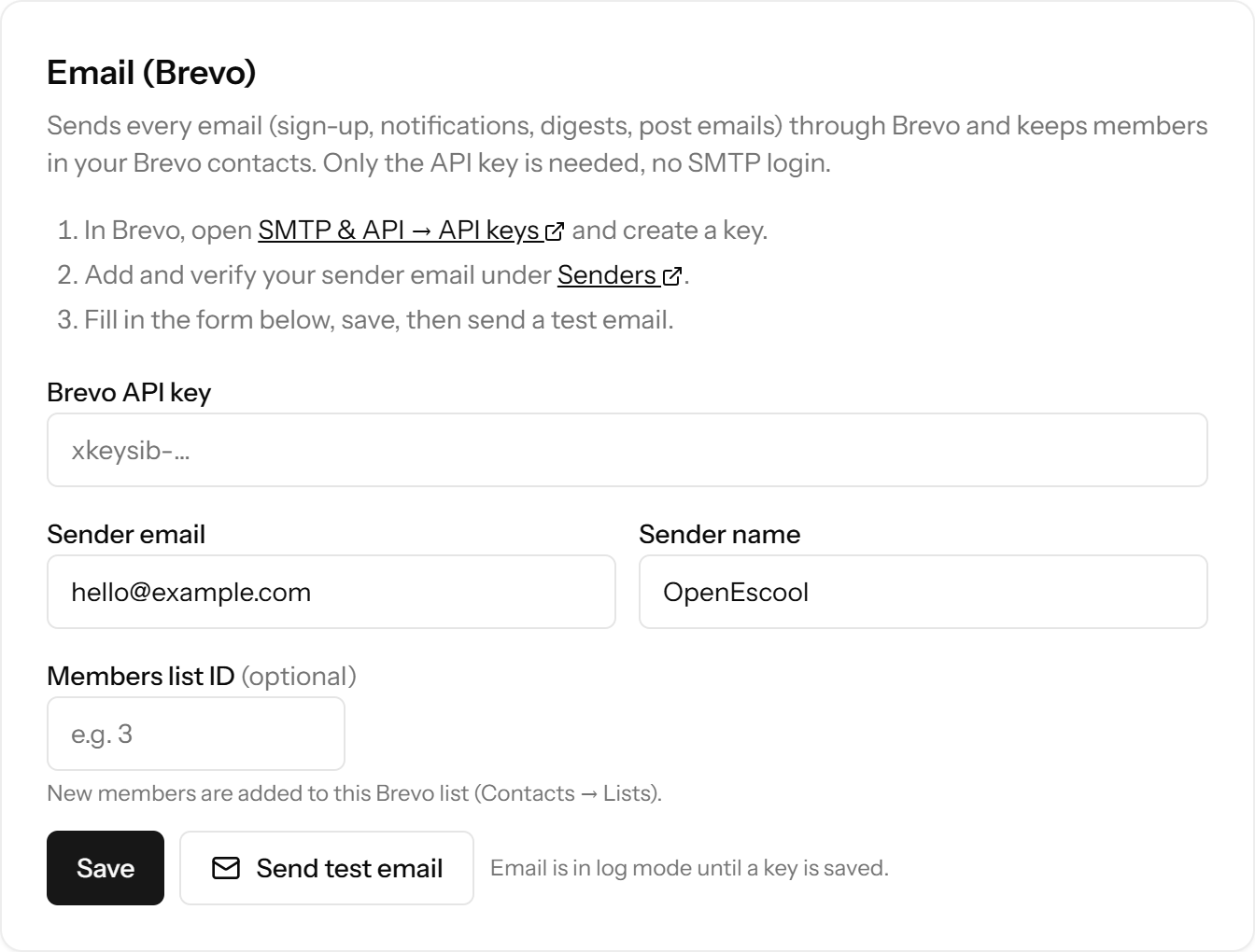
Digests that bring members back
A weekly digest of the best new posts and upcoming events goes out by default; members can switch to daily or off. Every email has a one-click unsubscribe. Email runs through your Brevo account with one API key.
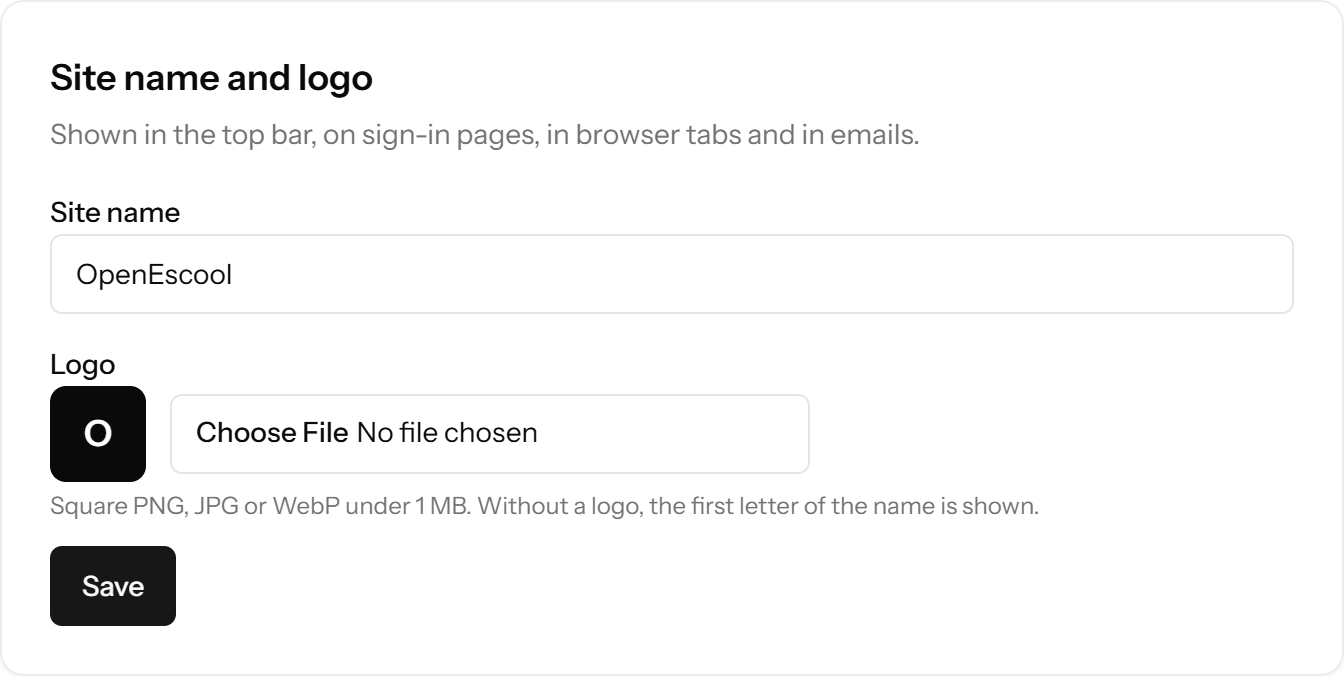
Your domain, name and logo
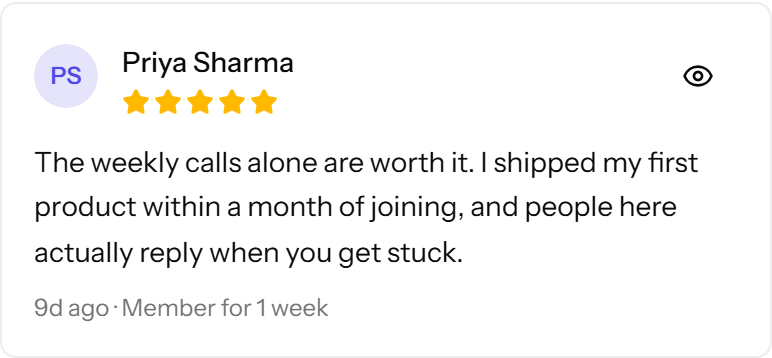
The whole site runs on your domain. Set your site name and logo in Admin settings; they show in the top bar, sign-in pages and emails. Each community gets an About page with a gallery and member reviews.
Open one community, or show your Discover page
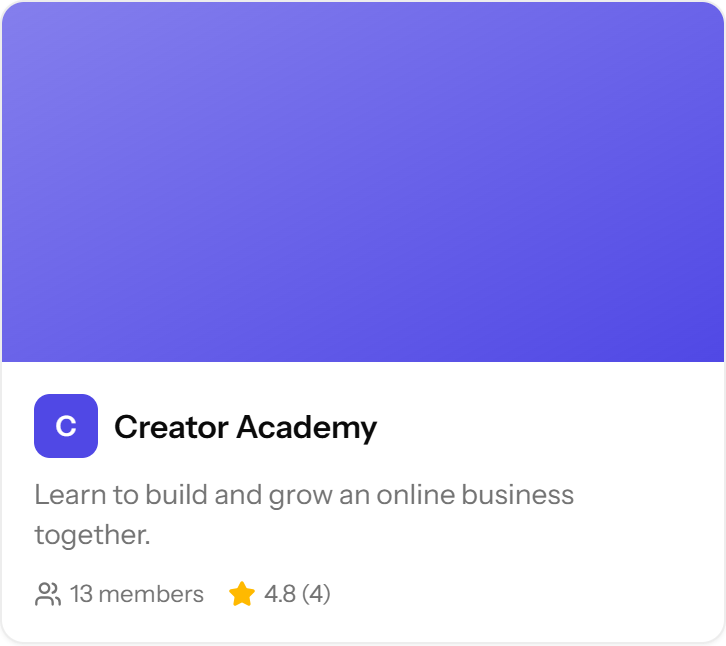
Choose what visitors see first: one community's About page, or a Discover page with your heading, text, button and the communities you pick. Nobody else's groups appear.
Roles, moderation and spam guard
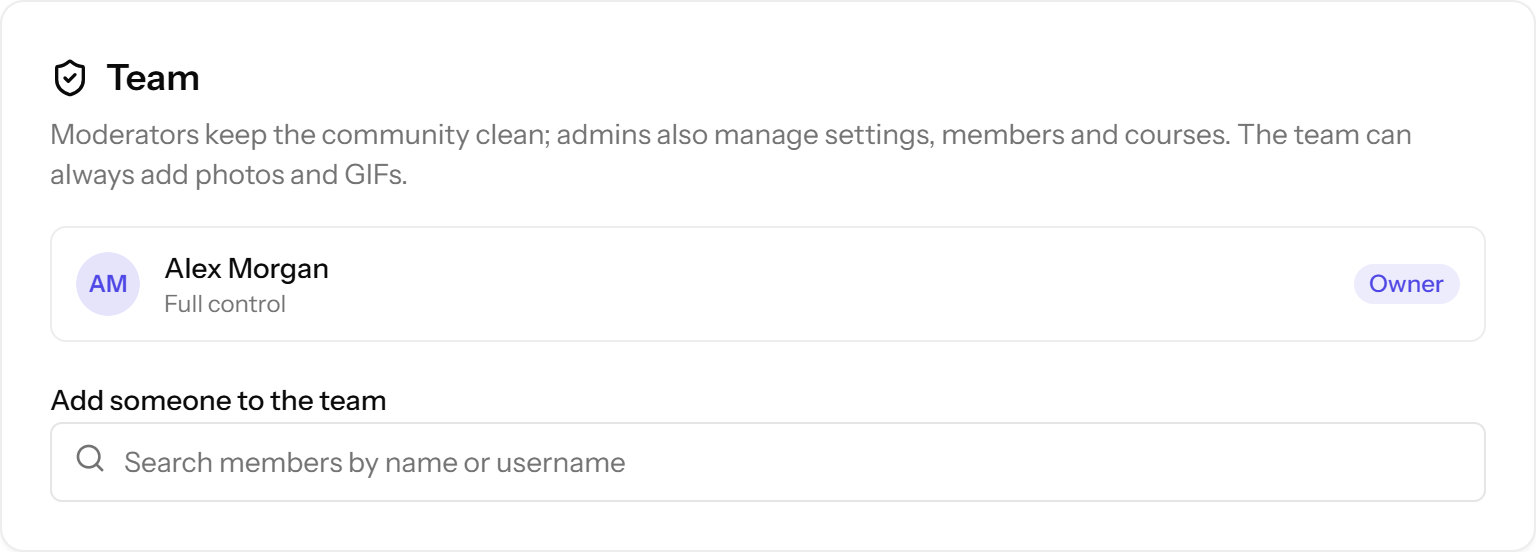
- Owner, admin and moderator roles per community
- Join questions and approval for private communities
- Honeypot and rate limits on sign-up, link and phrase filters
- Member reports and an admin review queue
- Chat between members and the team only
Search engines, on your terms
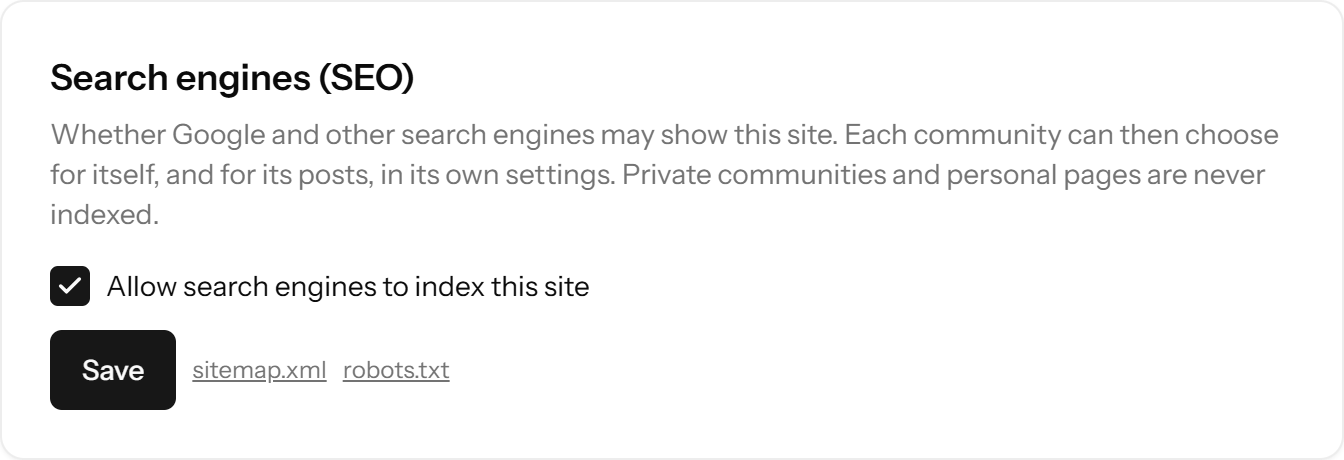
One switch for the whole site, then per community and per post. Private communities are never indexed. robots.txt and sitemap.xml are generated from your settings.
Upload limits, GIFs and one-command updates
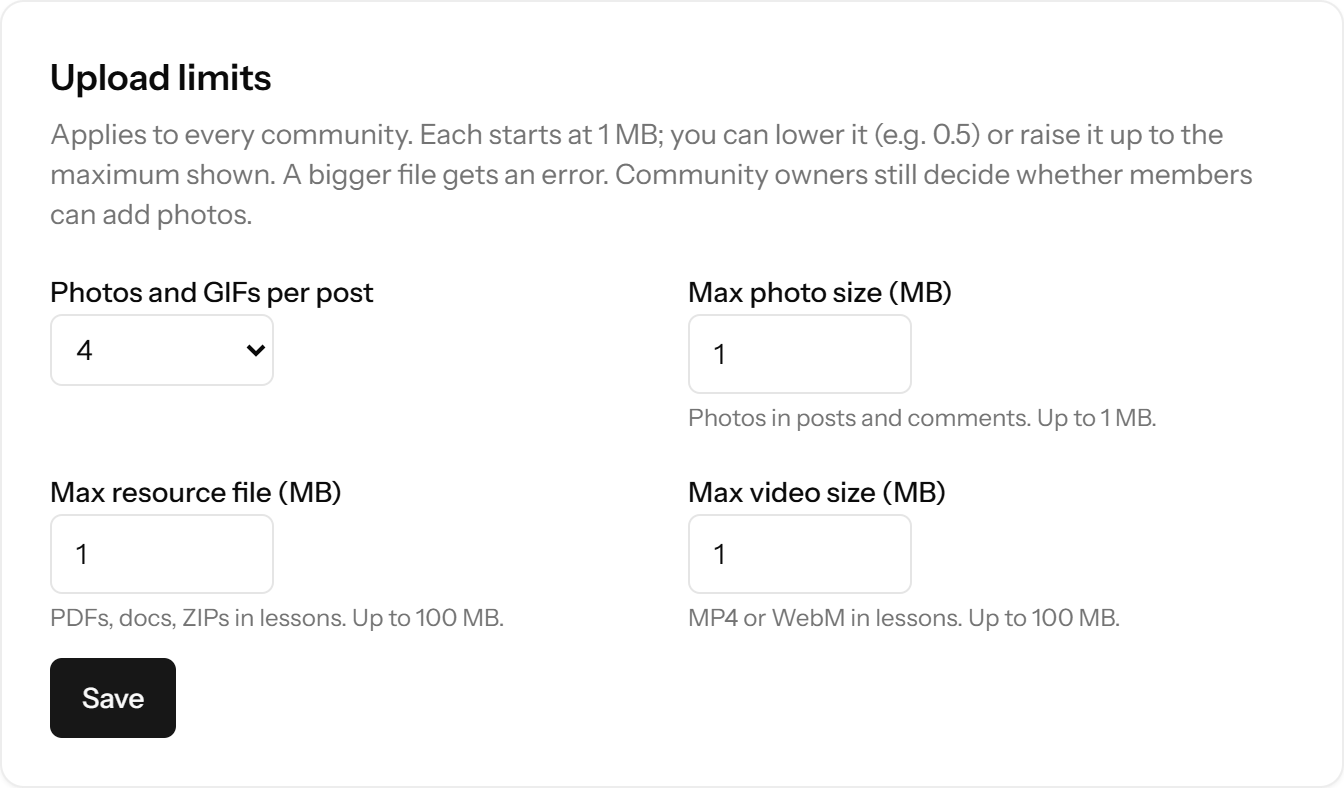
Set photo, file and video upload sizes, add a GIPHY key for the GIF picker, and see when a new version is out. Update with php artisan app:update.
Questions
Are any features paid?
No. Every feature is in the free, open-source software.
Does it work on phones?
Yes. The site is responsive and works in mobile browsers. There are no native apps.
Is there dark mode?
Yes, members can switch between light and dark.
Can members sign in with Google?
Yes, once you add Google OAuth keys. Email and password sign-up works too.
Run it on your own server
Free, open source, and live in about 30 minutes.