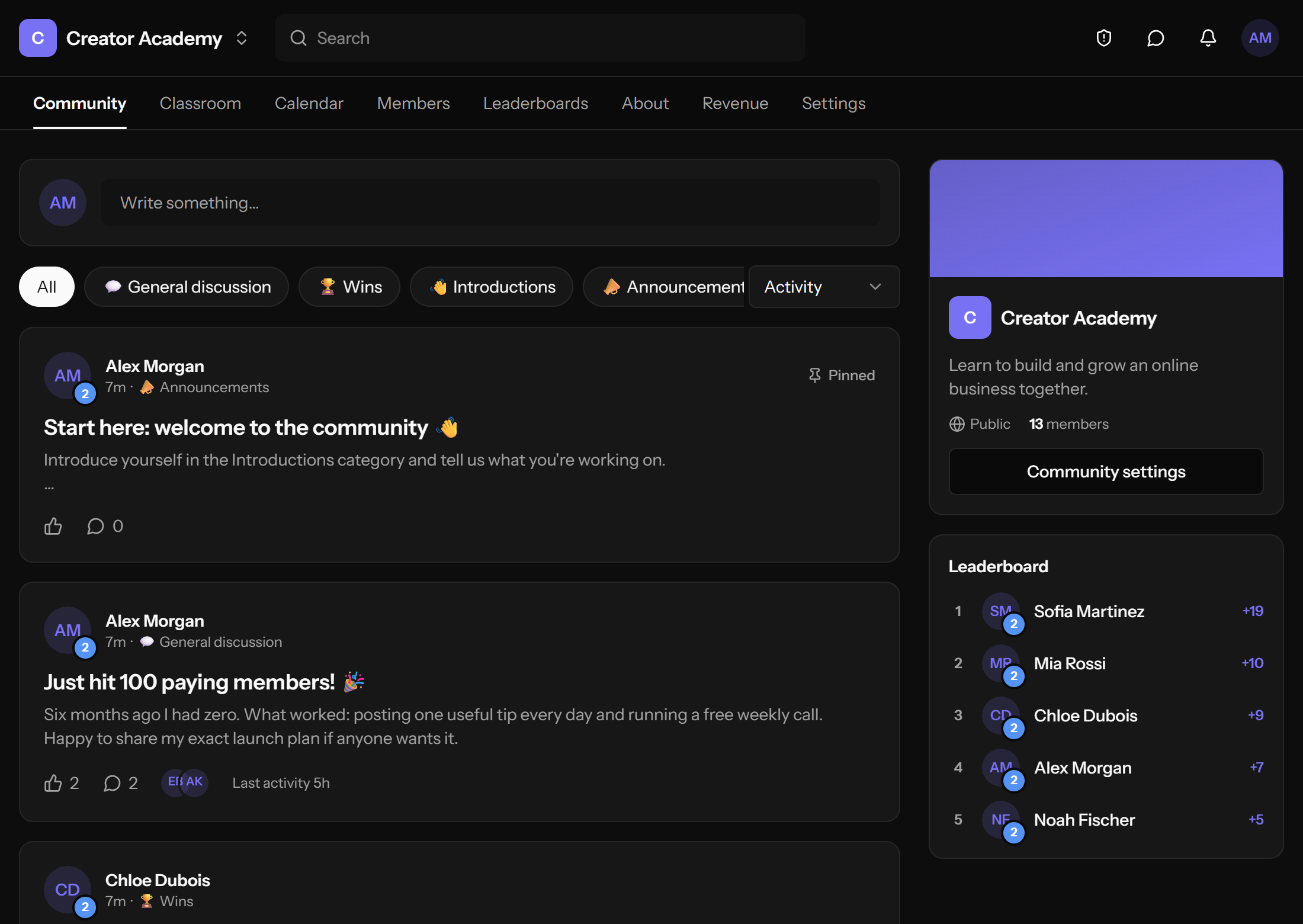
Community feed
Posts, categories, likes, pins, comments, photos and GIFs.
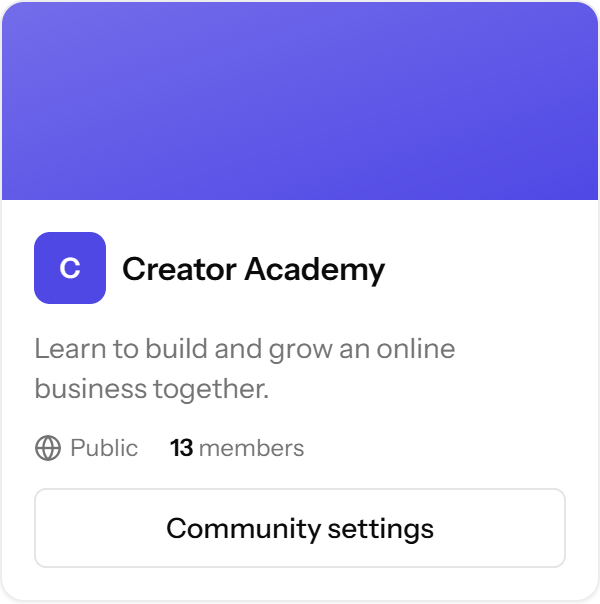
OpenEscool is a free, open-source Skool alternative. Feed, courses, calendar, leaderboards and paid memberships, on your own domain. One install runs every community you'll ever start.
git clone https://github.com/amanverma-gh/openescoolPosts, categories, likes, pins, comments, photos and GIFs.
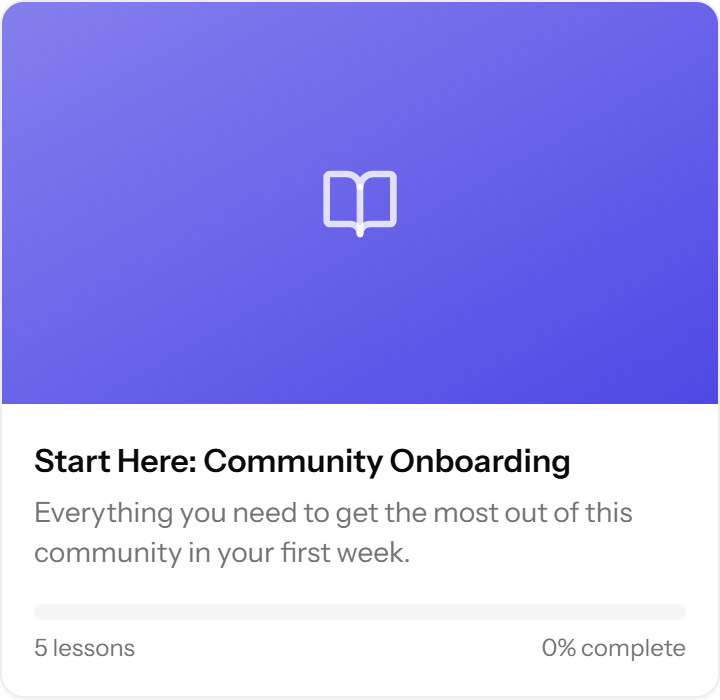
Courses, modules, lessons, videos, files and progress tracking.
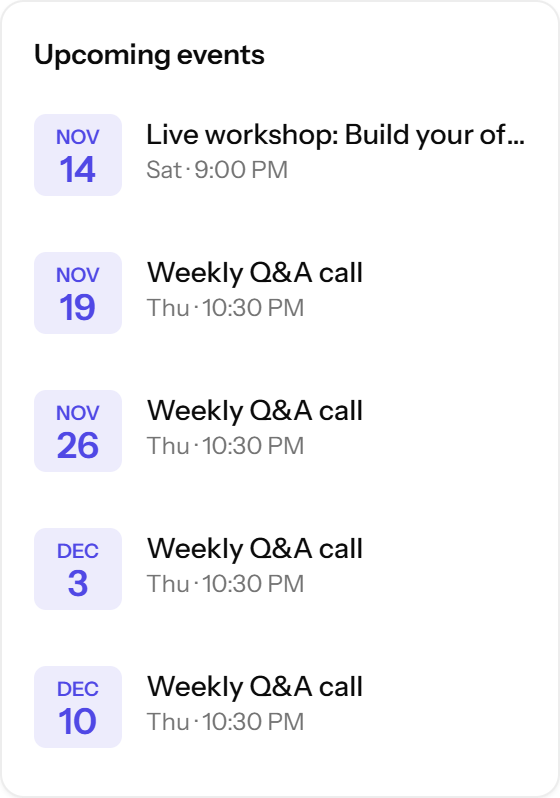
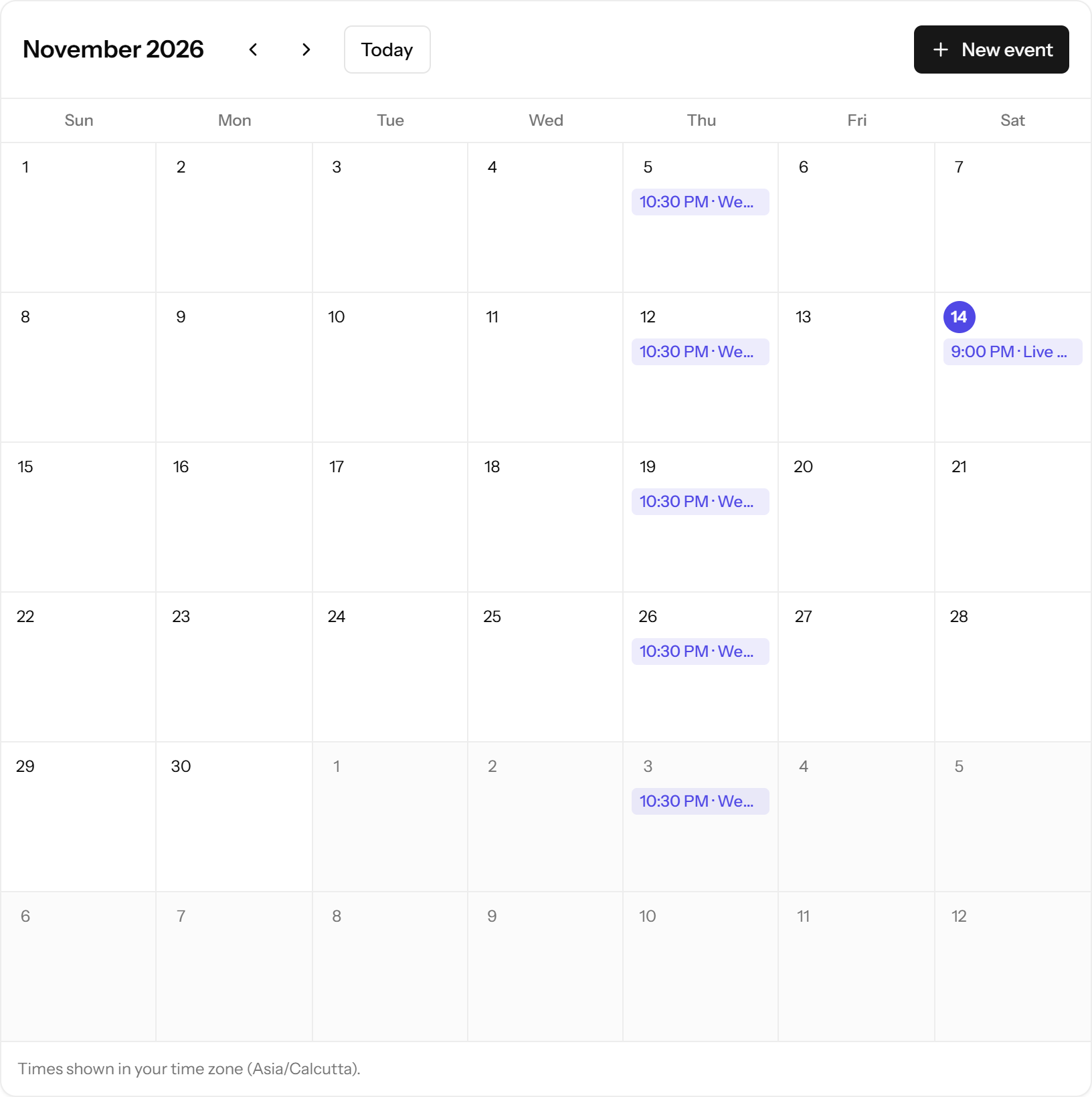
One-off and weekly events in each member's time zone, with email reminders.
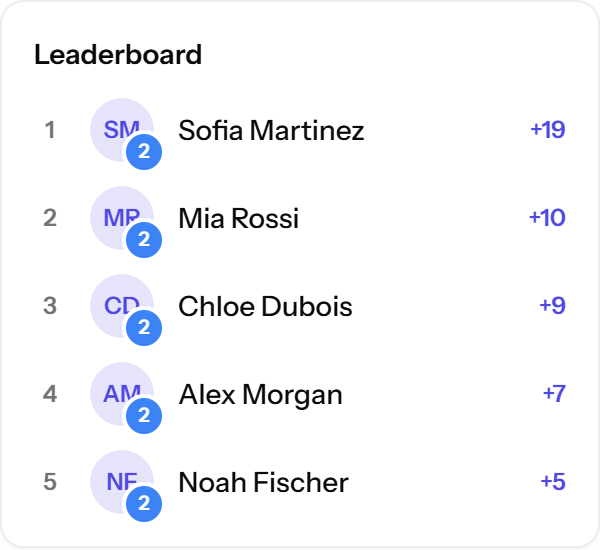
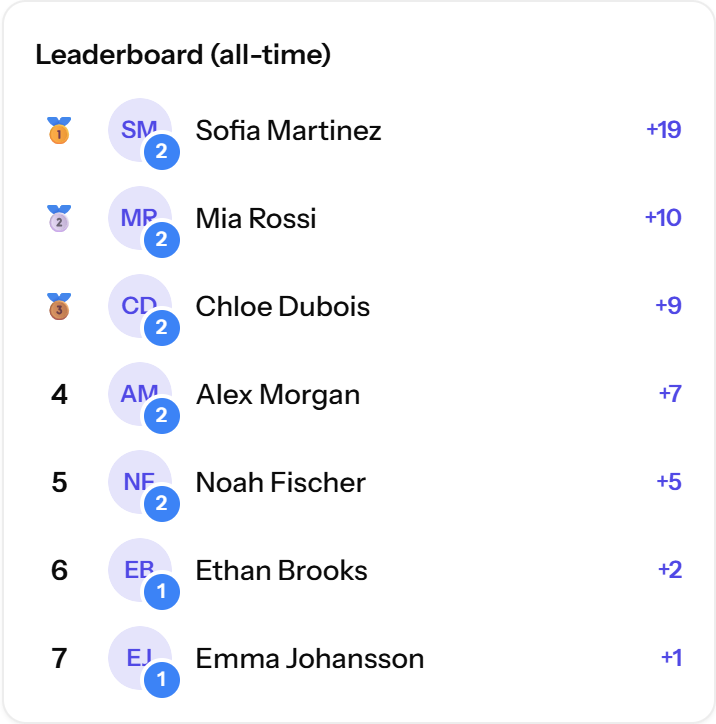
Points, levels and 7-day, 30-day and all-time boards.
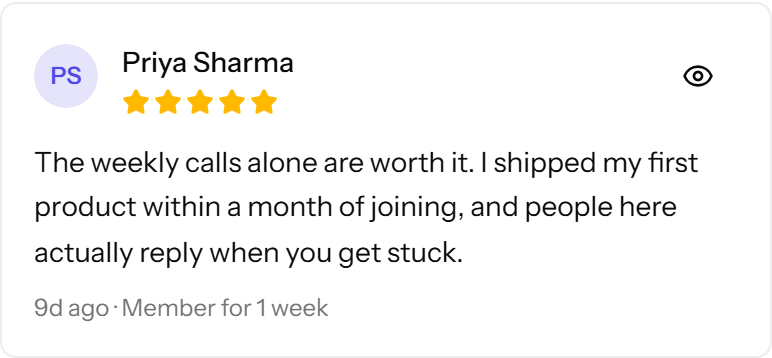
A sales page with a gallery, star ratings and reviews from real members.
Members message you and your moderators. Members can't DM each other.
Hosted platforms bill you per group. Here, a second community, or a fiftieth, runs on the same server for the same price. Members of one never see the others.
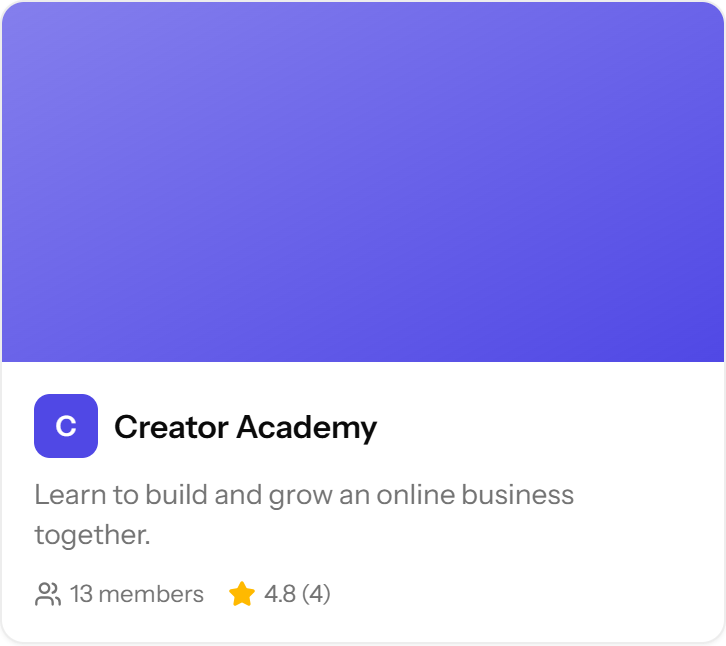
Creator AcademyMorning Yoga CircleFounders ClubPython for KidsYour next idea
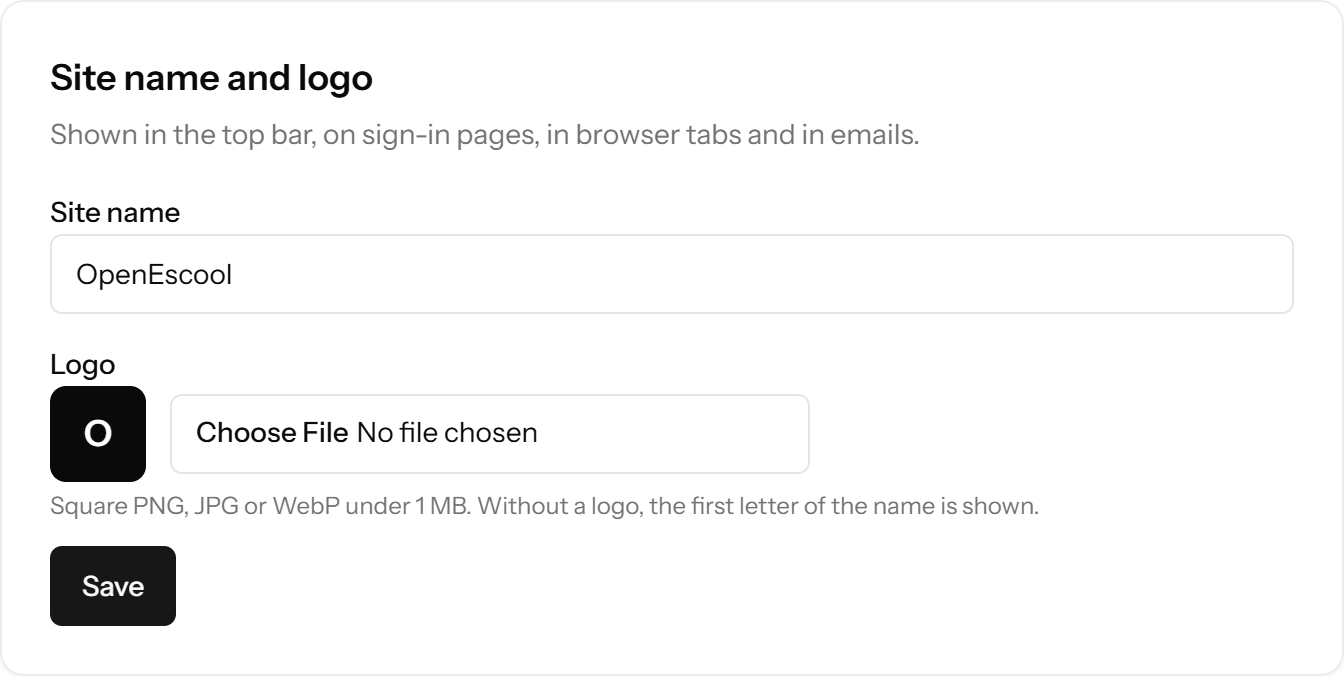
The whole platform runs on your own address, like community.yourbrand.com. Your site name and logo show in the top bar, on sign-in pages, in browser tabs and in every email.
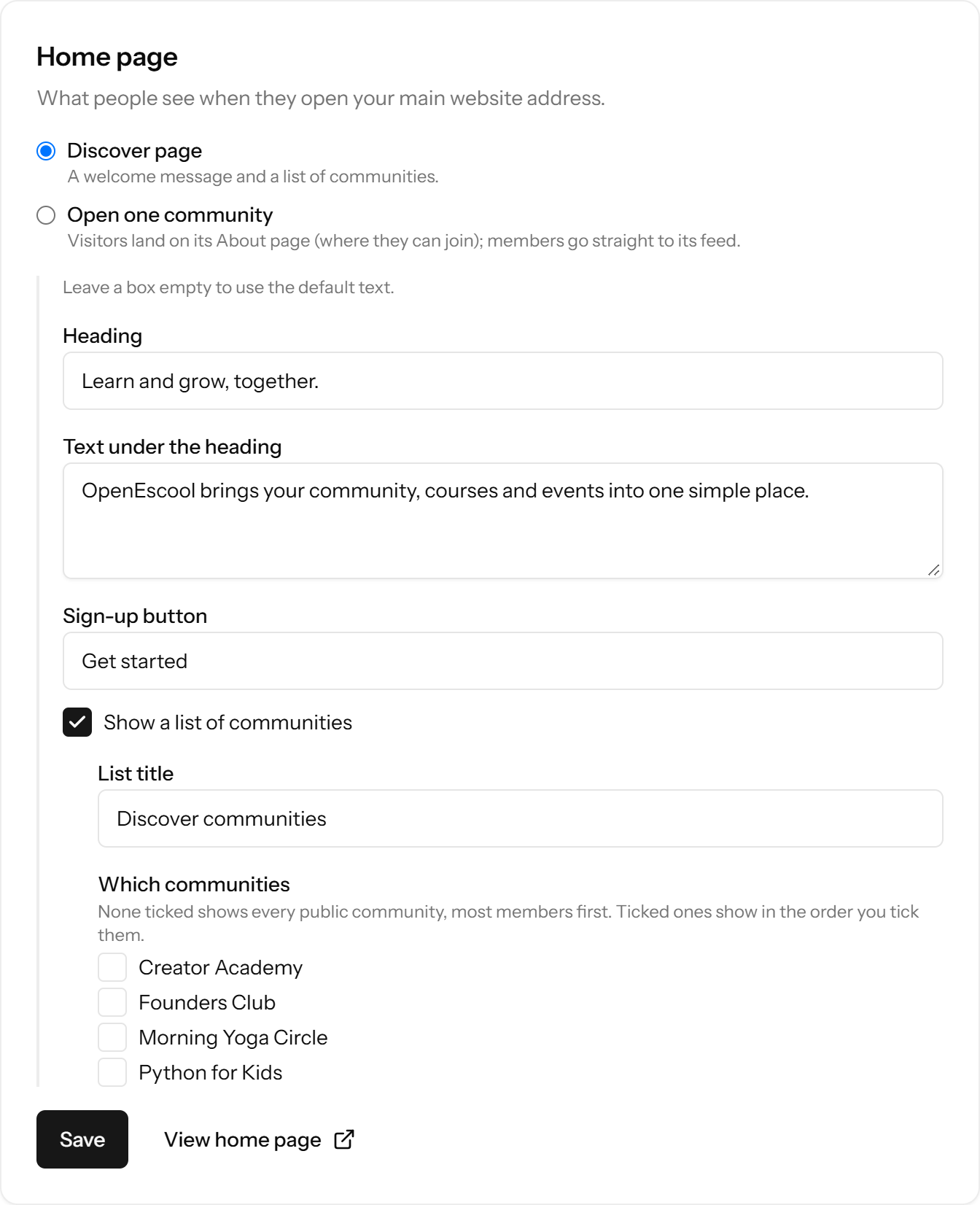
Your home page can open one community directly, or show your own Discover page: your heading, your text, your button, and the communities you choose, in your order. Nobody else's groups are ever listed next to yours.
Sell monthly, yearly or one-time access in USD, EUR, GBP, INR, AUD, CAD, SGD or AED. INR plans go through Razorpay, so Indian members can pay with UPI, cards, netbanking or wallets. Money goes straight to your own accounts.

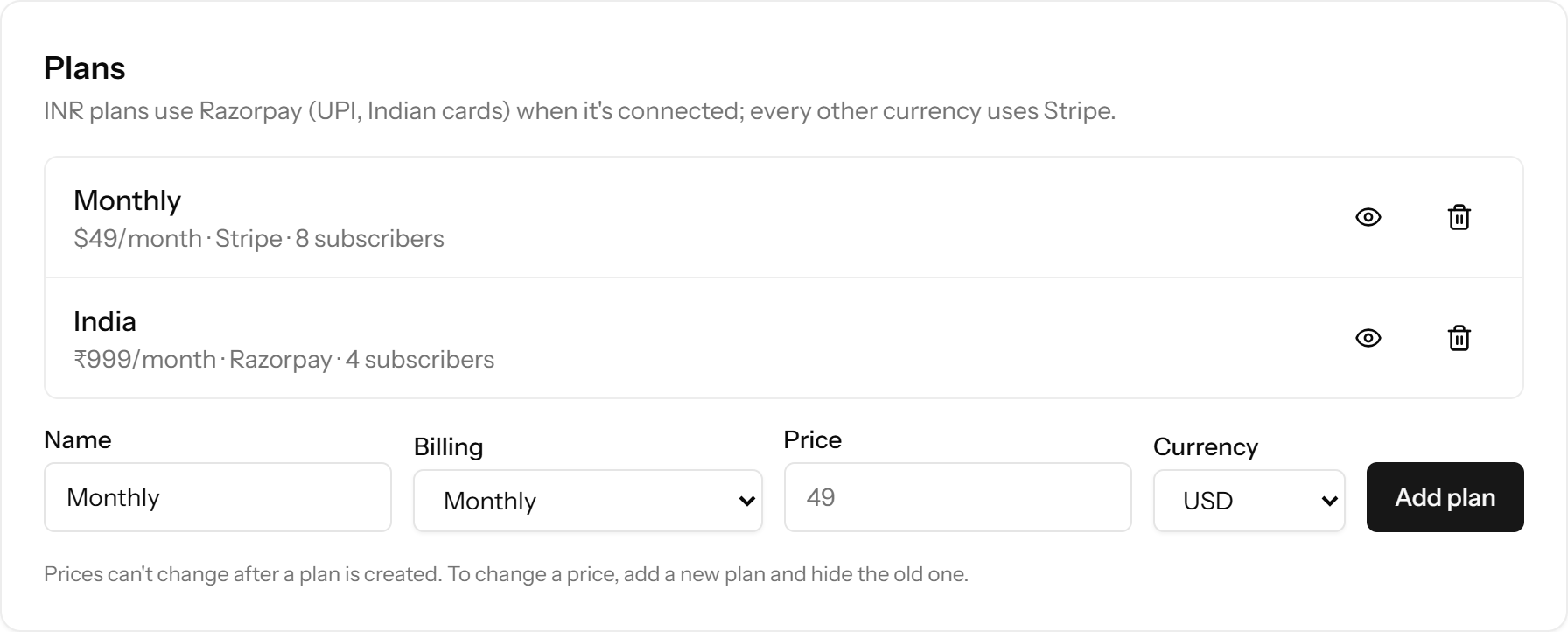
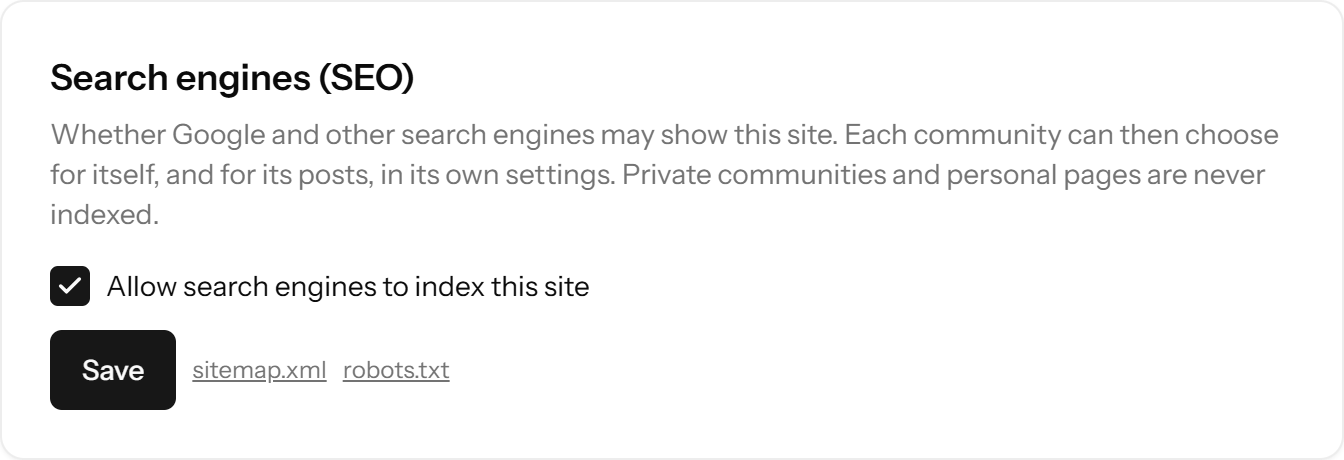
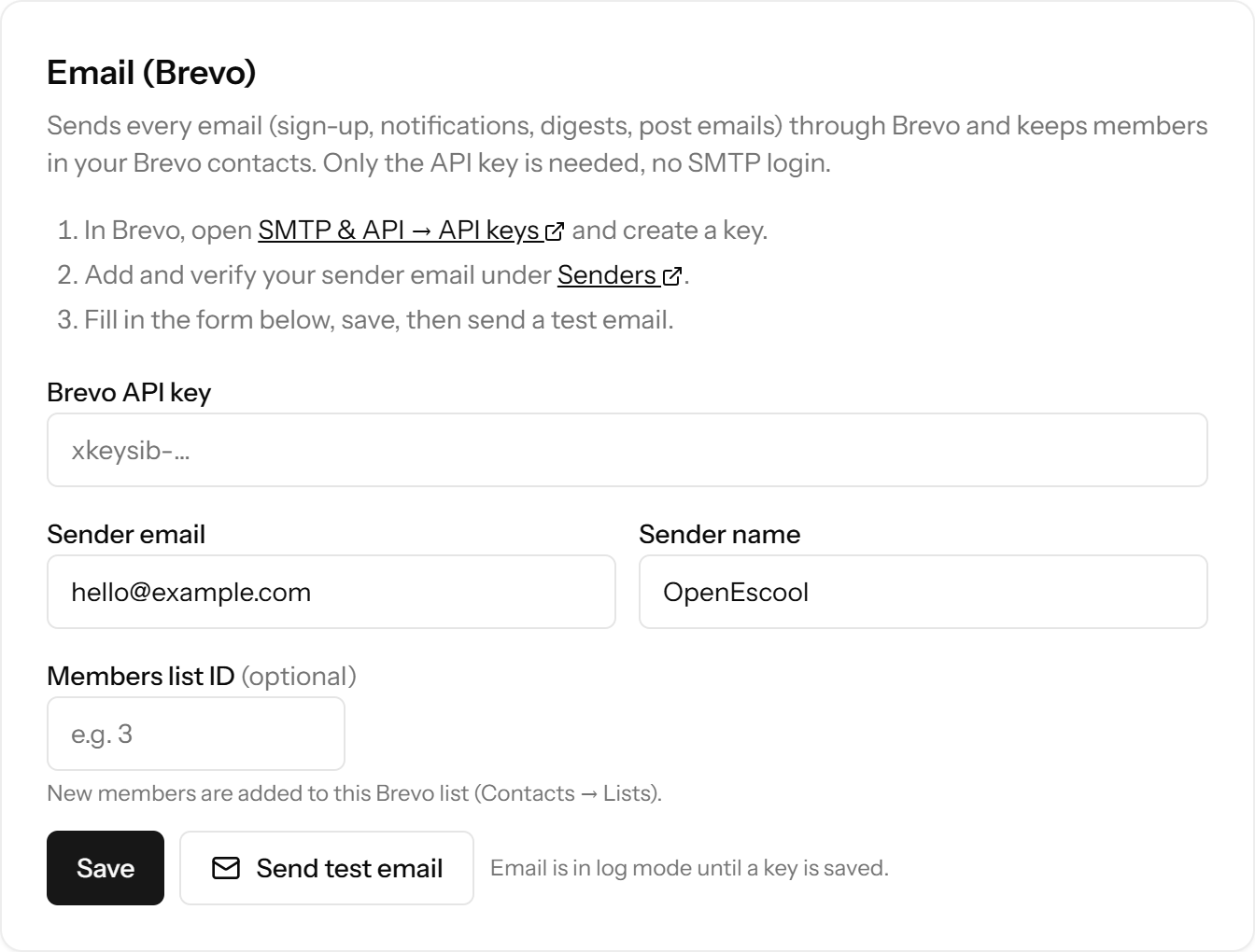
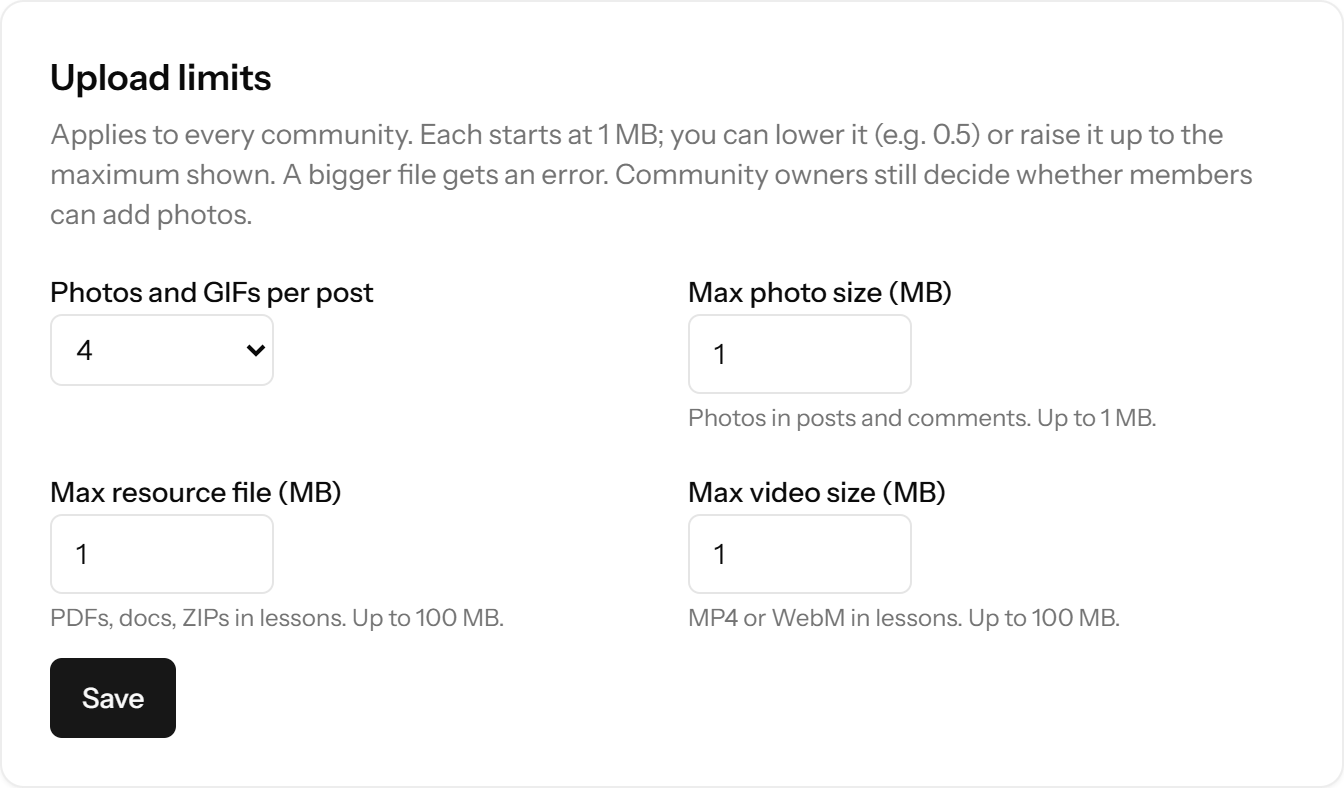
Branding, home page, SEO, email, upload limits, GIFs and updates are all set in the browser. Only payment keys go in the server file, once.
One switch for the site, then per community and per post. Private communities are never indexed. robots.txt and sitemap.xml follow your settings.
Paste a Brevo API key and every email works: sign-ups, digests, reminders and broadcasts. New members can join your Brevo list.
Set photo, lesson file and video sizes for the whole site.
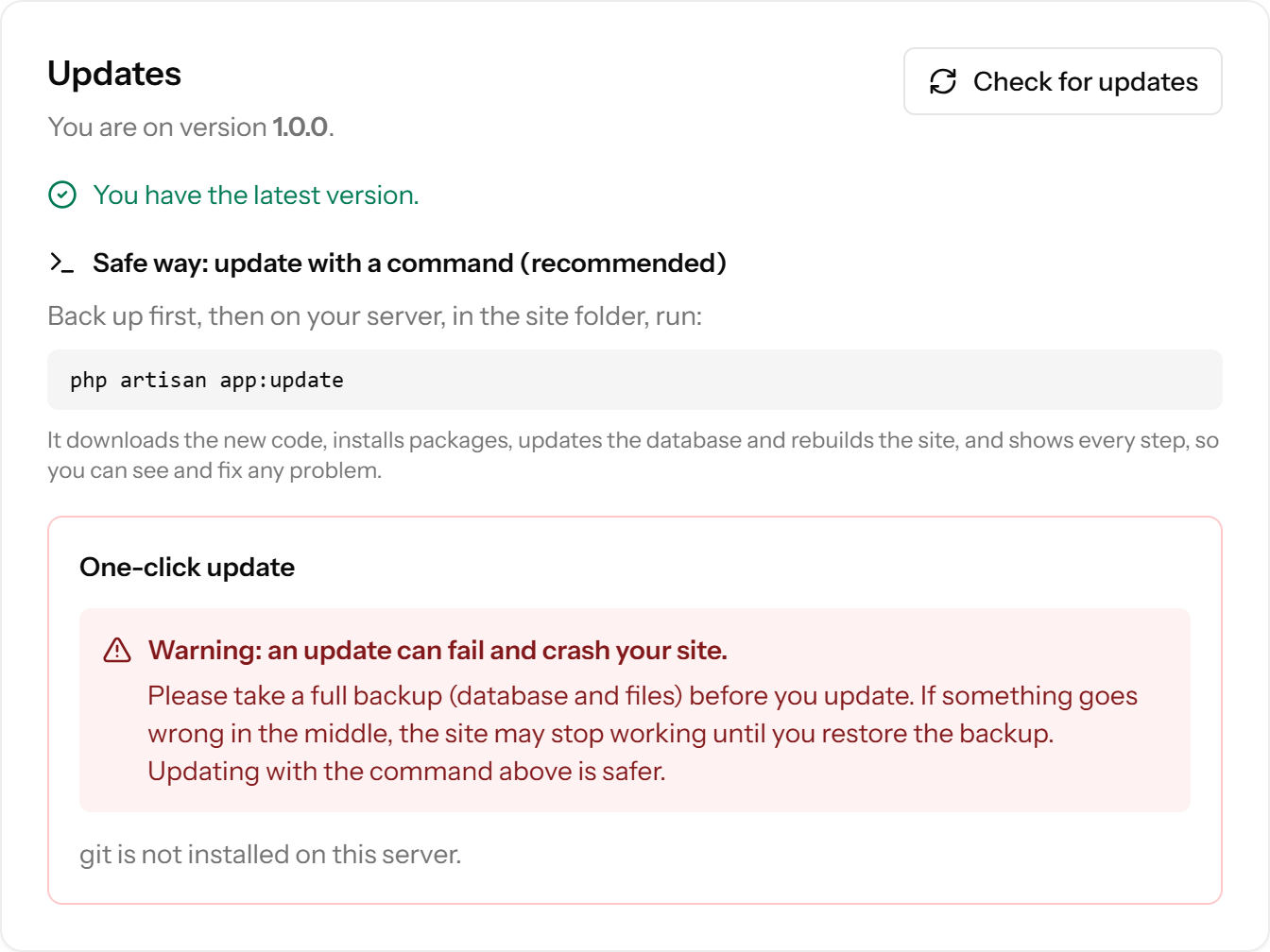
The panel tells you when a new version is out. Run php artisan app:update.
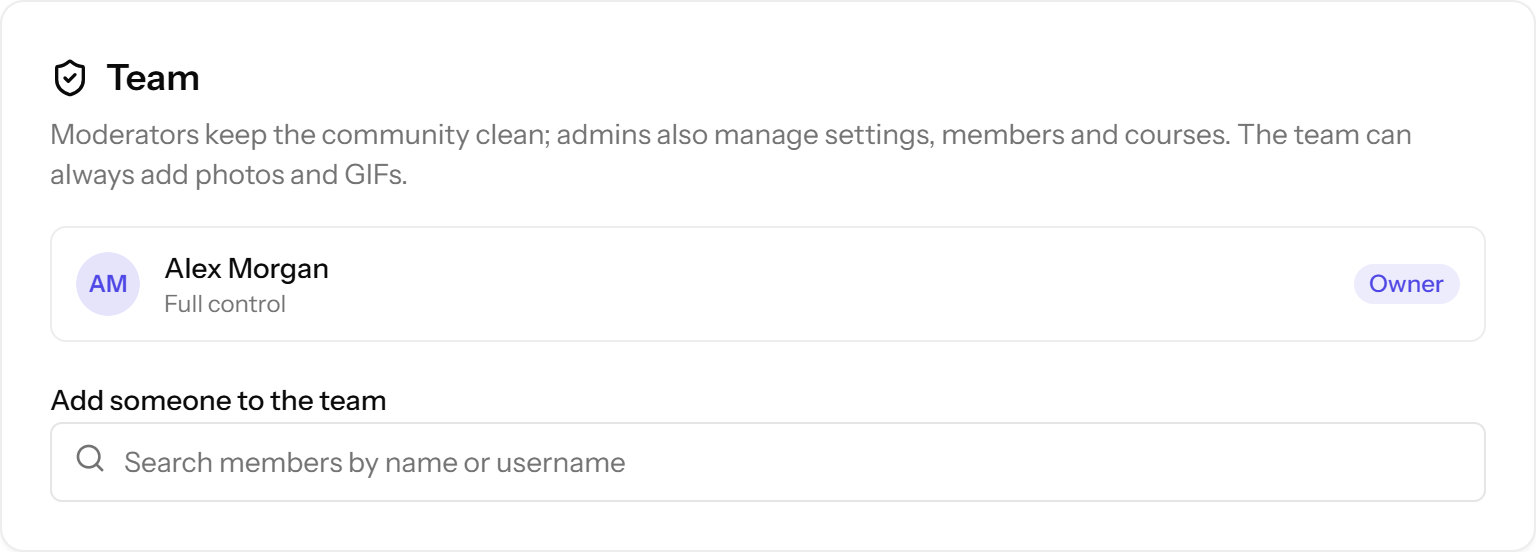
Add admins and moderators per community. Roles decide who can do what.
Sign-up honeypot and rate limits, a content filter for links and blocked phrases, chat blast detection, member reports and an admin review queue. Restrict or ban in one click.
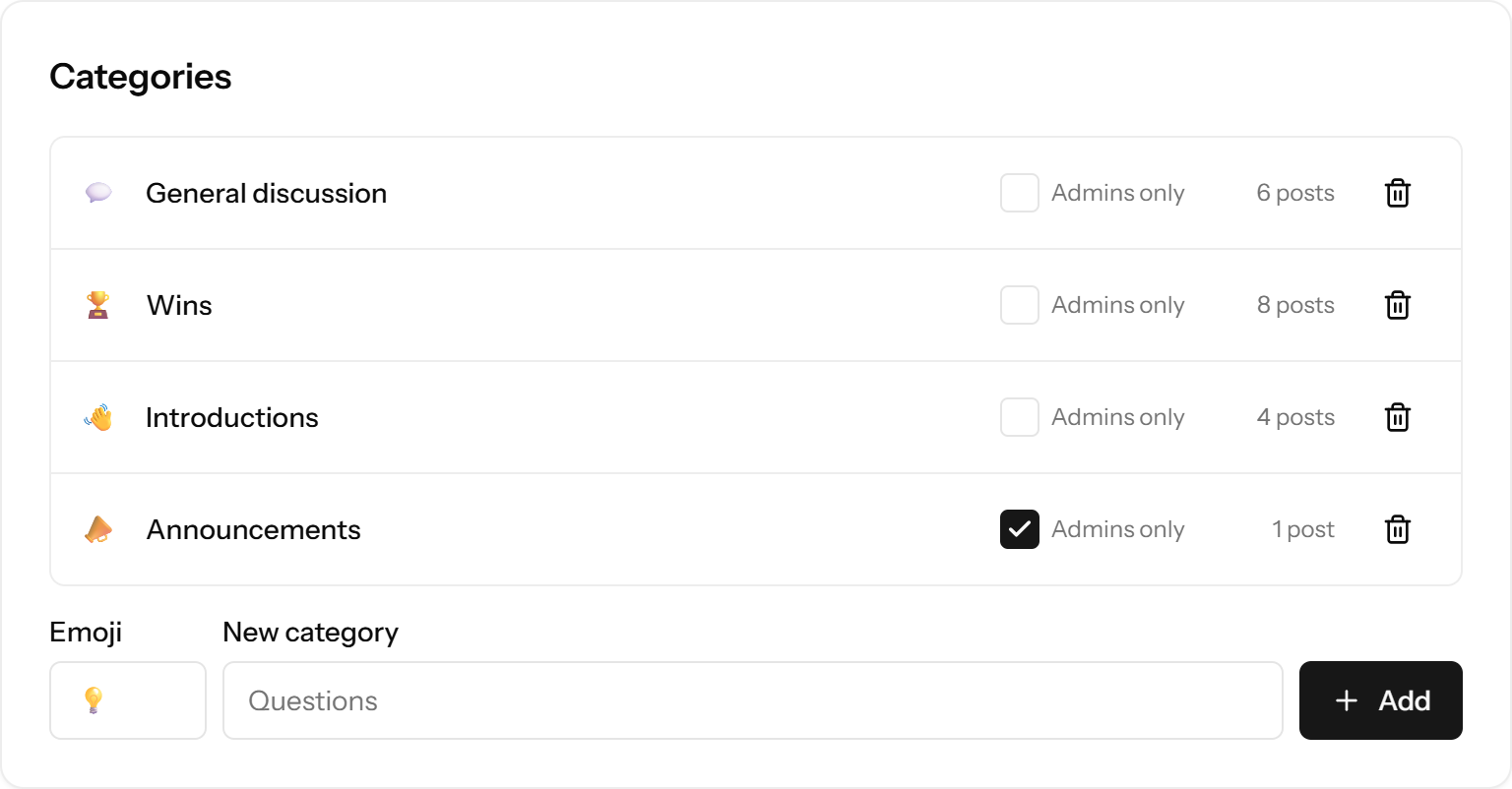
Emoji categories, with admin-only ones for announcements.
The habits that make paid communities stick, switched on from day one.
The best new posts and upcoming events, weekly or daily. Members choose.
Tick a box when posting and every member gets it by email.
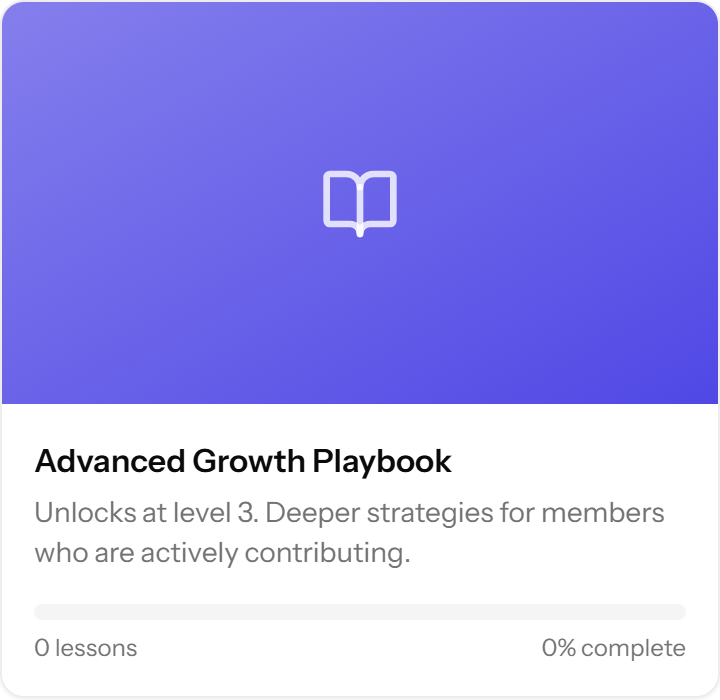
Keep advanced courses for members who take part.
Members get a reminder before each call, shown in their own time zone.
Lesson checklists and course progress keep people moving.
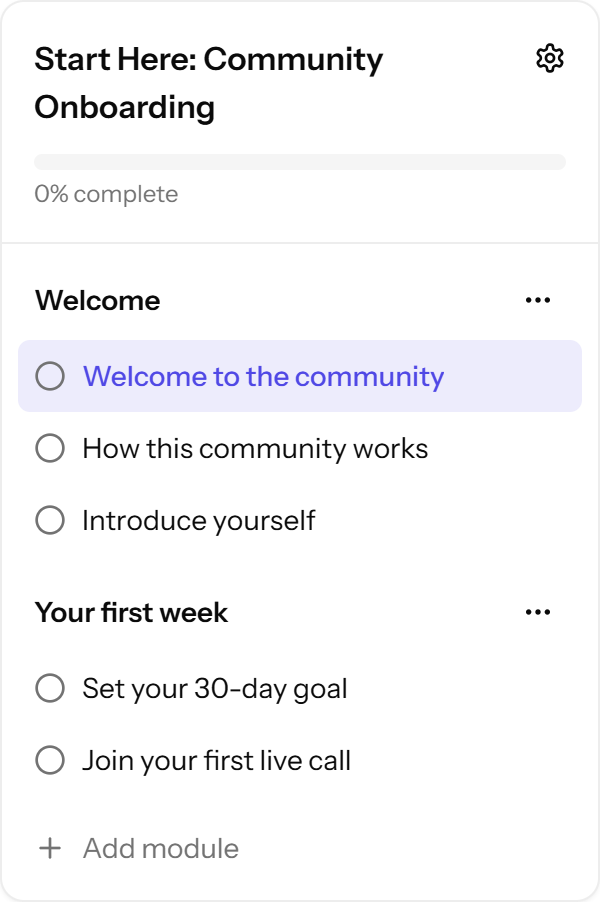
Skool bills each group on its own plan. Here is that against one VPS, using Skool's public prices at the time of writing.
Card fees are left out on both sides: Stripe's standard rate is close to Skool Pro's 2.9% + 30¢. On Hobby we count the extra above that (10% vs about 2.9%). See the full cost breakdown.
Stripe or Razorpay fees apply either way. OpenEscool adds no platform fee on top.
| OpenEscool | Skool* | |
|---|---|---|
| Price | Free software. You pay for your server | Hobby $9 or Pro $99 a month, per group |
| Communities | Unlimited on one server | Each group has its own plan |
| Fee on your sales | No platform fee on top of Stripe or Razorpay | Hobby 10% + 30¢, Pro 2.9% + 30¢ (card processing included) |
| Address | Your own domain, name and logo | Custom URL on skool.com (skool.com/your-name) |
| Other creators' groups shown | Never | Skool's Discovery page |
| UPI and Razorpay | Yes, built in | Not listed on Skool's pricing page |
| Own the code and data | Yes, AGPL-3.0 | No |
| Courses, events, levels, leaderboards | Yes | Yes |
* Based on Skool's public pricing page and help centre at the time of writing (November 2026); they may change. Skool is a trademark of its owner. OpenEscool is an independent open-source project and is not affiliated with, endorsed by or sponsored by Skool. Full comparison.
Get a VPSA small Ubuntu 24.04 server is enough. Point your domain at it.
Clone and installPHP, MySQL, Nginx and Node, then OpenEscool. Copy-paste commands.
Sign up and add your keysThe first account becomes the admin. Add Stripe, Razorpay and Brevo.
Yes. The software is open source under AGPL-3.0, so you can use and change it at no cost. You pay for your server and domain, plus Stripe or Razorpay fees when members pay you.
As many as your server handles. There is no limit in the software, and every community runs from the same install.
Yes. The whole platform runs on your domain, with your site name and logo. Each community gets its own address on it, like yourbrand.com/c/yoga.
No. The install guide is copy and paste. After that, everything is set in the browser from Admin settings.
Stripe for USD, EUR, GBP, AUD, CAD, SGD, AED and INR, and Razorpay for INR, which adds UPI, Indian cards, netbanking and wallets. Plans can be monthly, yearly or one-time.
No, by design. Members can chat with you and your team only. That keeps spam and poaching out of your community.
Admin settings shows when a new version is out. Back up, then run php artisan app:update on your server.
Ask questions and share ideas at openescool.userjot.com, or open an issue on GitHub.